· Updated · Tutorials · 3 min read
On-Site or Walk-In Calibration: Which One Fits
On-site monitor calibration or bring your device to us? On-site saves time once you have 2+ screens or a studio that cannot stop production. Walk-in makes more sense for a single laptop.
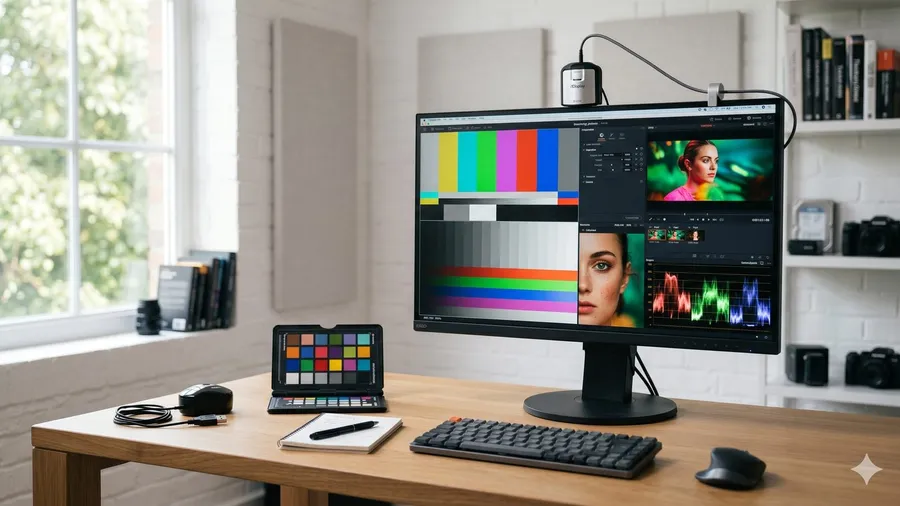
A studio running 3 iMacs on a deadline job — unplugging the monitors, packing them, driving to get calibrated, then waiting — is half a day gone. In that case, on-site calibration (a technician comes to you) isn’t just more convenient, it’s actually the cheaper option in real terms. On the flip side, a designer with a single laptop and no urgency is usually better off just bringing it in.
On-site — when it’s worth it
On-site makes sense from 2 monitors up, especially 27”+ external displays, iMacs, fixed workstations, or a multi-machine studio setup. The per-device cost of on-site monitor calibration usually lands close to bringing each one in individually — but you don’t lose time on logistics. For a studio mid-production that can’t afford downtime, that’s the deciding factor.
It’s also worth considering on-site when an entire setup needs to share the same 6500K white point: a colorist team running 2 BenQ SW271s and 1 Eizo CS2740, for example, gets consistent results across all three screens from a single session. An event photographer with 2 Dell U2723QEs and a backup unit is another common case.

Walk-in — when it makes sense
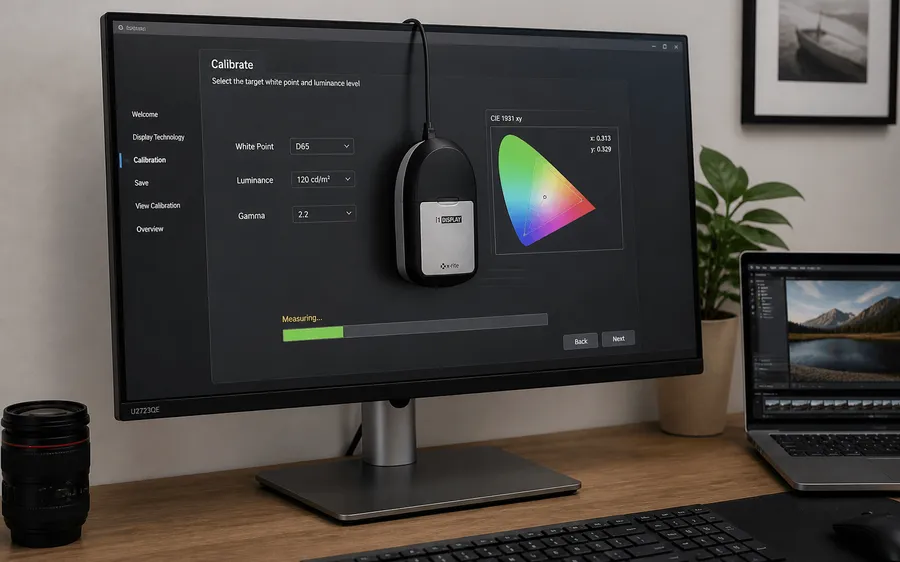
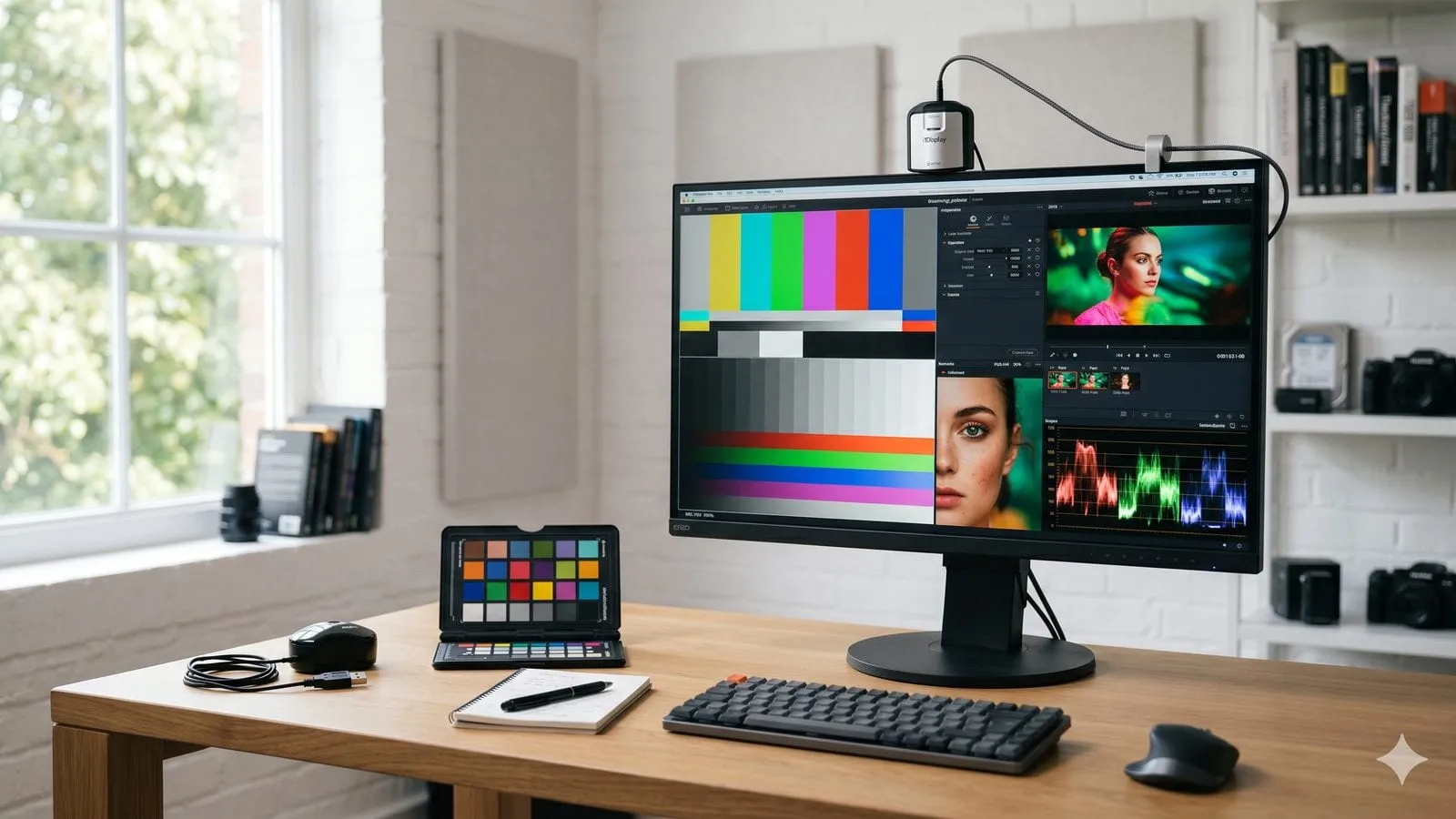
Walk-in fits a single laptop or one small monitor, nothing urgent, and something easy to carry. Some colorist clients bring their device in the first time specifically to watch the measurement process — to understand how the i1Display Pro reads their screen’s gamma and white point before booking a recurring schedule. It’s also the better fit if you’d rather control the timing yourself instead of waiting on a technician’s schedule.
The real cost difference
On price, on-site costs 50,000 VND more for the first display (200,000 vs 150,000), and from the second display the rate is the same (100,000 VND). Beyond a 6 km radius, there is a further 50,000 VND. With 2–3 screens at once, that difference is small — before you even factor in the time spent packing, transporting, waiting, and driving back. Total real cost (money + time) often runs the opposite direction from what people first assume.
See the full pricing breakdown for both options on the monitor calibration pricing page.
Same result either way

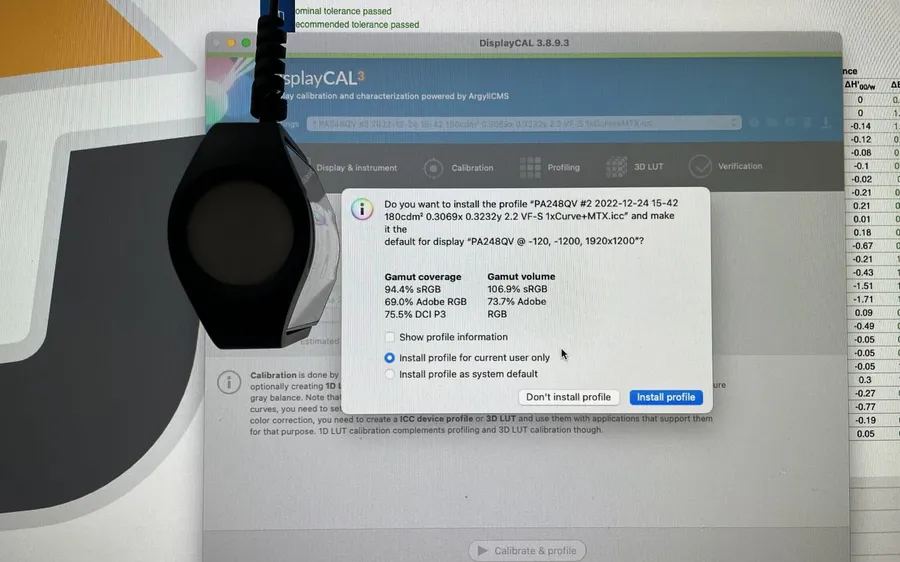
Whether it’s on-site calibration or a walk-in visit, every screen gets its own ICC profile generated from real measurement with an X-Rite i1Display Pro. The measurement hardware is the same either way. The only difference is logistics, not the quality of the result.
See the calibration services for what each visit includes.