
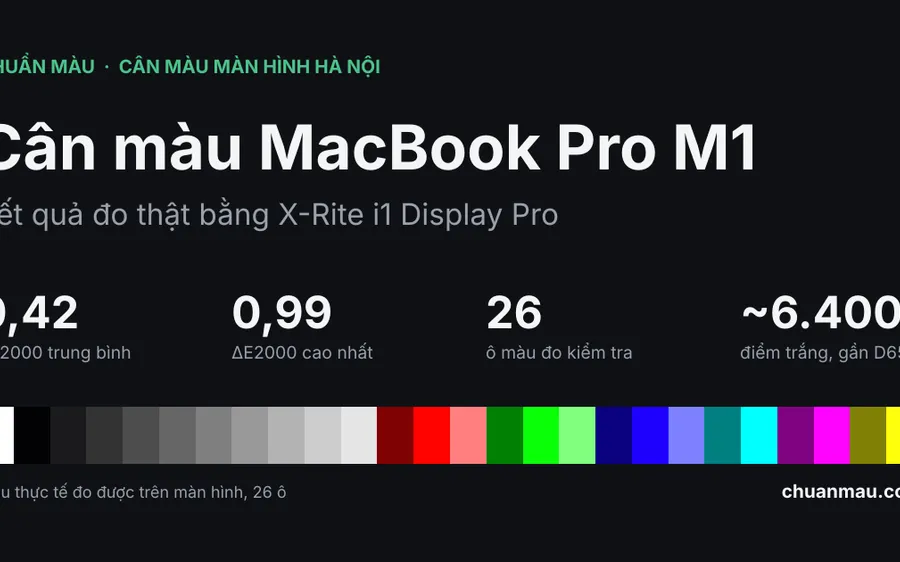
MacBook Pro Calibration: Real Measured Results with the i1 Display Pro
MacBook Pro calibration results measured with an X-Rite i1 Display Pro: average ΔE2000 of 0.42 across 26 patches, white point close to D65. Numbers come from a real report.
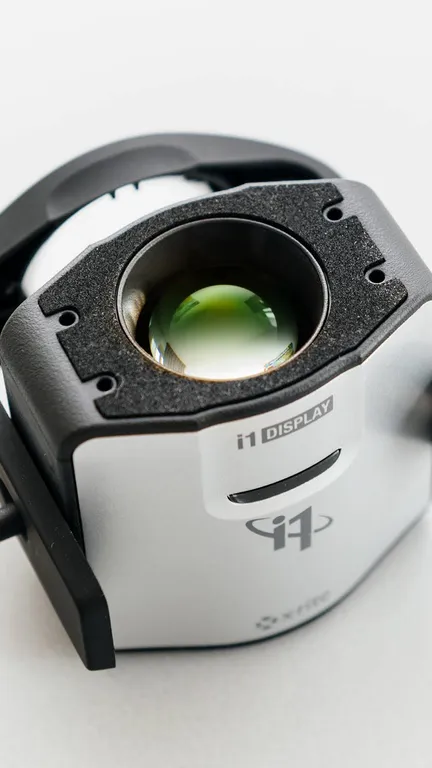
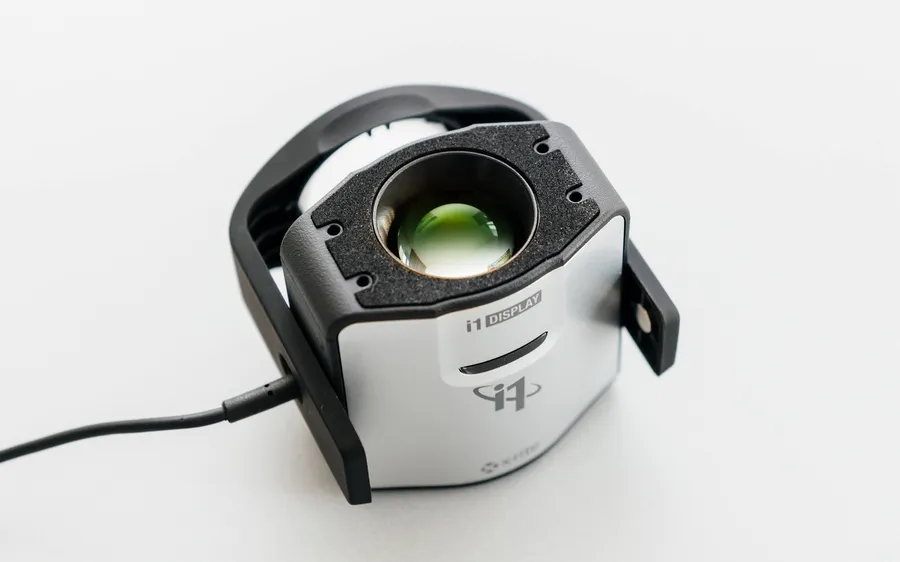
Measured with an X-Rite i1Display Pro, with an ICC profile exported for each display. At our shop or on-site, with lifetime technical support. Serving designers, photographers and video editors in Hanoi.
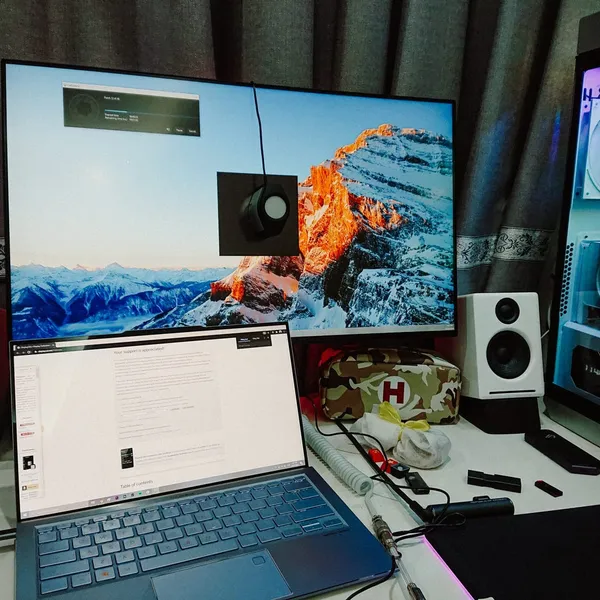
Services
Calibration for desktop monitors, laptops and pen displays, with ICC profile installation help. See all services »
Calibration for desktop monitors with a colorimeter, including an ICC profile made for your display.
Laptop calibration for designers, photographers and video editors.
Calibration for Wacom, Huion and other pen display brands used in professional design work.
Guidance and hands-on help installing ICC profiles on Windows and macOS so your calibrated colors display correctly.
Advice on choosing the right monitor for your work and your budget.
A 1-month warranty and lifetime technical support after calibration.
See our standard rates, or get in touch for a custom quote. See the calibration services.
You bring the display to us
We come to you
6 displays or more
Step 1: Get in touch
Contact us by phone or through the website to book an appointment. We will advise you and give you a detailed quote for the service.
Step 2: Assessment
A technician inspects your display and assesses its current state, checking brightness, contrast and color.
Step 3: Calibration
We use professional measurement equipment to calibrate your display to the color standard that fits your work.
Step 4: Get your ICC profile
You receive the ICC profile file with an install guide, and technical support after calibration.
In practice
Pick a photo from the list to see it larger.
Short guides on calibration, ICC profiles and choosing a display, for people who design, shoot and edit.
MacBook Pro calibration results measured with an X-Rite i1 Display Pro: average ΔE2000 of 0.42 across 26 patches, white point close to D65. Numbers come from a real report.
Colors look right on your screen but wrong everywhere else — in print, on a client phone, on YouTube? That is a monitor color-shift problem. Here is why it happens and how professional calibration in Hanoi fixes it for good, with a 1-month warranty.
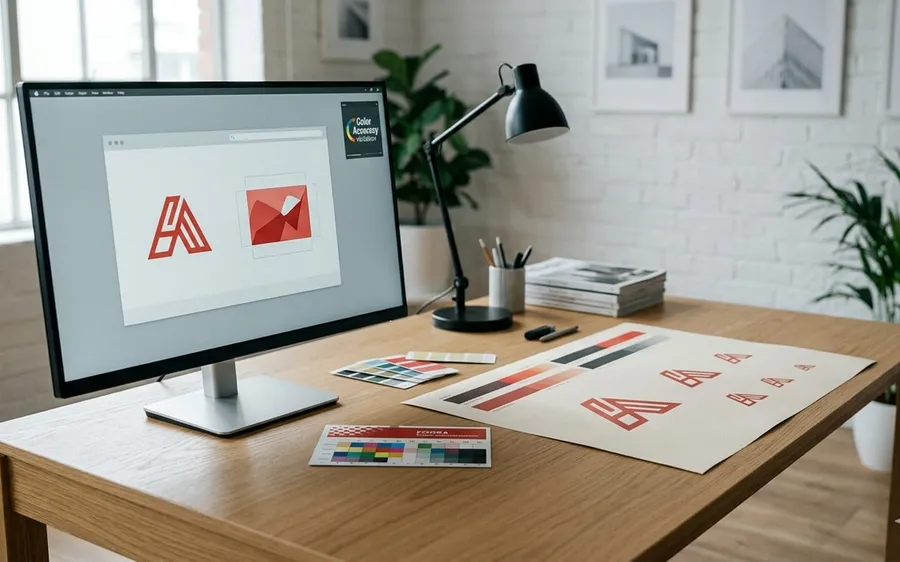
Print color doesn't match your design file because of gamut, the shop's ICC profile, or a miscalibrated screen — three technical causes and how to catch them with soft proofing before you ship the file.
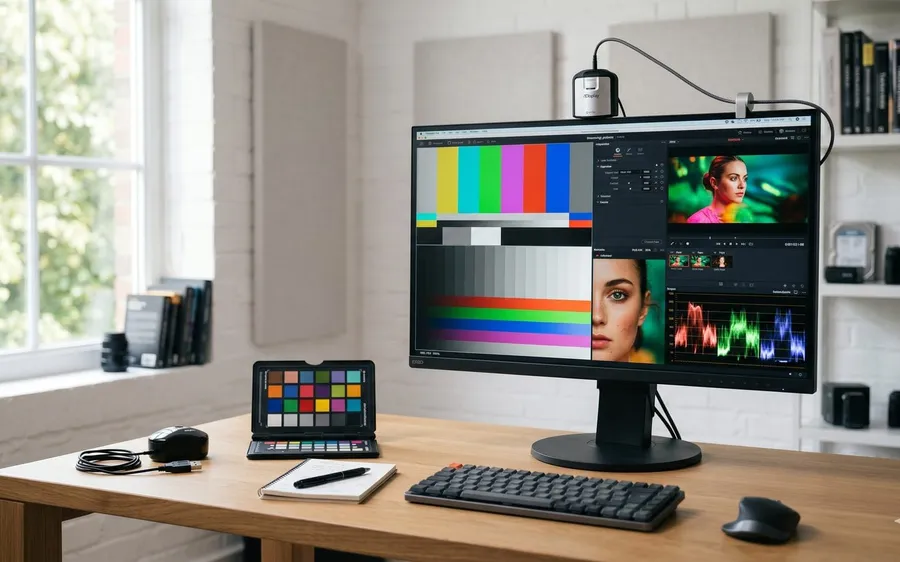
On-site monitor calibration or bring your device to us? On-site saves time once you have 2+ screens or a studio that cannot stop production. Walk-in makes more sense for a single laptop.
FAQs
Have a look through these, or contact us for advice.
Calibration makes sure colors display accurately, which matters most for designers, photographers and video editors. An uncalibrated display can show shifted colors that affect the quality of your work. You can run a quick check on your screen with our online color test.
About 15 minutes per display, setup included. If your computer has a major problem, it can take longer.
At our shop: 150,000₫ for the first display. On-site: 200,000₫ for the first display. Each additional display is 100,000₫, and 90,000₫ each when you book 6 or more. On-site visits beyond a 6 km radius cost 50,000₫ extra.
Yes, Chuẩn Màu provides a 1-month warranty. If any issue arises during that period we will check and recalibrate free of charge.
Yes, Chuẩn Màu offers on-site service across Hanoi for 200,000₫ for the first display. Beyond a 6 km radius we add 50,000₫.
Just make sure the screen is clean and has been powered on for at least 30 minutes so its temperature is stable. We provide all the equipment.
Do not let inaccurate color undermine the quality of your work. Get in touch for a free consultation.
Free consultation
Book nowCookies and measurementWe use Google Analytics to count visits and taps on the contact buttons. Nothing is recorded until you agree.Read the privacy policy