Online tool

Screen color test

Run full-screen tests right in your browser to spot dead pixels, backlight bleed, color casts and banding. Pick a color or the grayscale below, then click the preview.

Pick a color

White#FFFFFF

Custom color

Screen info

Resolution
—
Pixel ratio
—
Color depth
—
Refresh rate
—
Color gamut
—

Reported by your browser, for reference only.

Shortcuts

  • ←→Switch color
  • FEnter full screen
  • EscExit

On a phone, tap the screen to change the color.

What to look for in this test

White

White should be even and neutral. A yellow, blue or pink cast, or a duller patch, points to a color shift or uneven brightness.

How to test properly

Step 1: Prepare

Keep the screen on for at least 30 minutes so its temperature settles. Turn off automatic color modes such as Night Light or True Tone, and set the brightness you normally work at.

Step 2: Run a test

Pick a test, go full screen and change the color with the arrow keys. Look from your normal working distance, then move in close to inspect individual pixels.

Step 3: Take note

Write down what you see: dead pixels, backlight bleed, color casts, bands on the grayscale. If you find a problem, get in touch for advice.

Done!

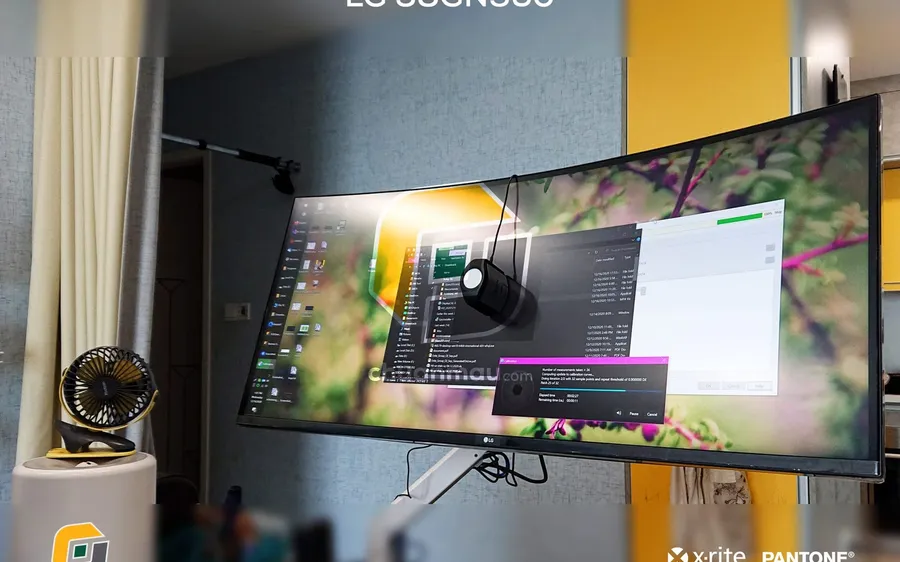
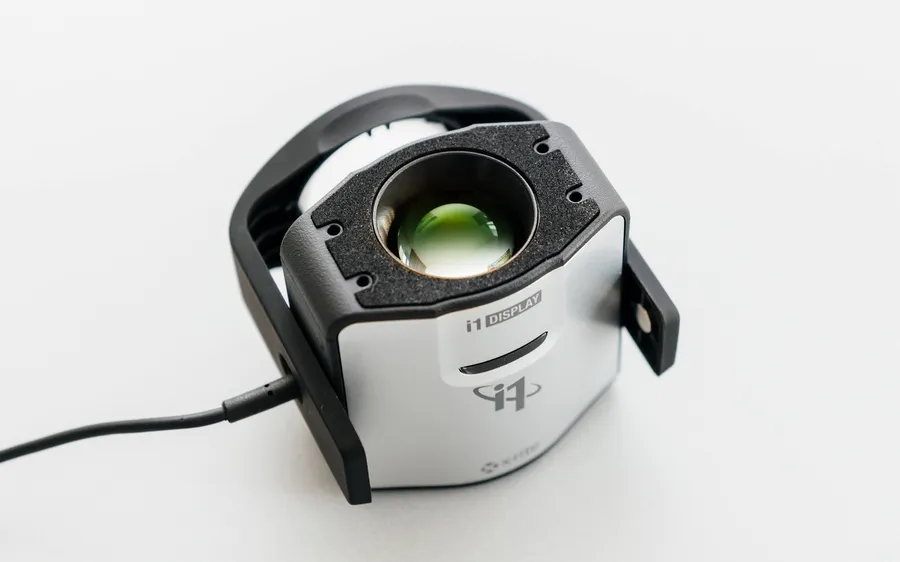
Judging by eye has limits.These tests help you spot obvious faults such as dead pixels, backlight bleed or a color cast, but they cannot measure how far off the screen is. Knowing the accuracy (Delta-E) takes a colorimeter.

Read more about display color

See all posts »
Why Your Monitor Shows Wrong Colors (And the Fix)

Why Your Monitor Shows Wrong Colors (And the Fix)

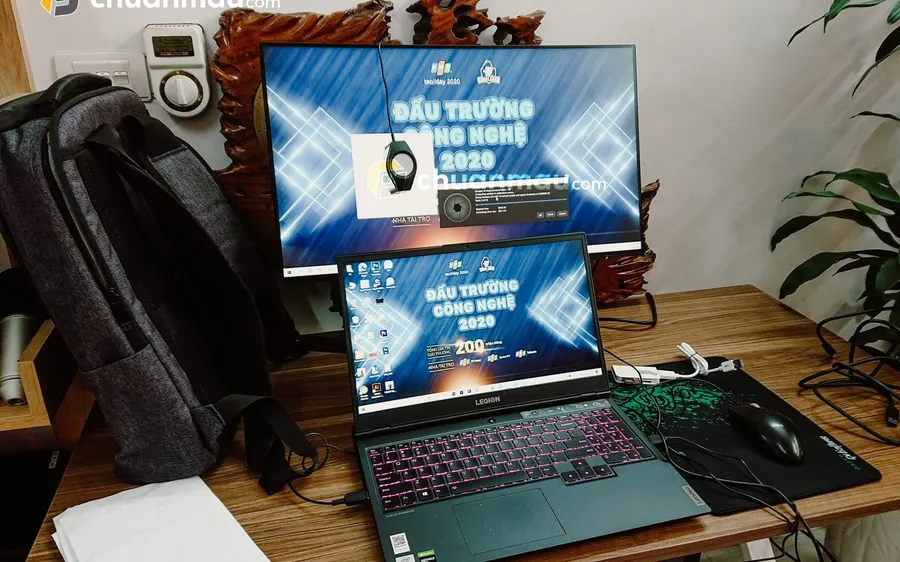
Colors look right on your screen but wrong everywhere else — in print, on a client phone, on YouTube? That is a monitor color-shift problem. Here is why it happens and how professional calibration in Hanoi fixes it for good, with a 1-month warranty.
What Is an ICC Profile? A Practical Explanation

What Is an ICC Profile? A Practical Explanation

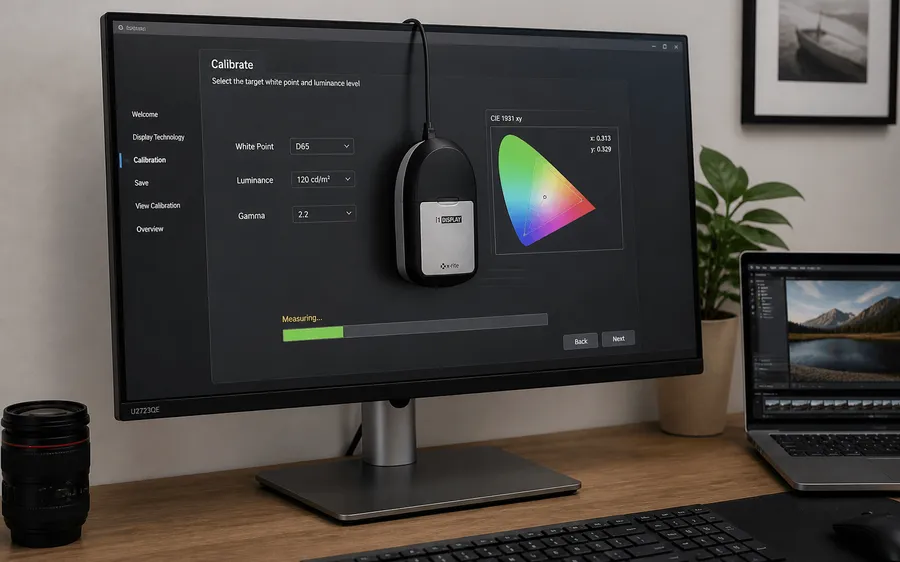
What an ICC profile actually is, what it describes about your monitor, when to install a .icc file, and when you should never apply one screen's profile to another. A practical explanation for people who actually use this stuff.

Frequently asked questions

A few things worth knowing before you test your screen.

Can an online test replace calibration?

No. Checking by eye only tells you whether the screen has an obvious fault. Calibration uses a measuring instrument to find out how far off the screen is and creates an ICC profile to correct it.

Why leave the screen on for 30 minutes first?

A screen needs time to settle in temperature, so color and brightness right after switching on can differ from what you get once it has been running for a while.

I see a fixed bright or dark dot. What is it?

Usually a faulty pixel (dead or stuck). Bright dots show up best on black, dark dots on white. Policies for handling them differ by manufacturer and seller, so contact the place you bought it from.

Are bands on the grayscale a fault?

They can come from the panel itself or from display settings. Try the native resolution and a standard cable. If they are still clearly visible, get in touch and we will take a look.

Does it work on a phone or TV?

Yes, as long as the browser can open this page. Some devices do not support true full screen, in which case the tester still fills the browser window.

Can my display be calibrated?

Not sure whether your screen is a good candidate? Get in touch with your display model and setup, and we will advise you directly.